
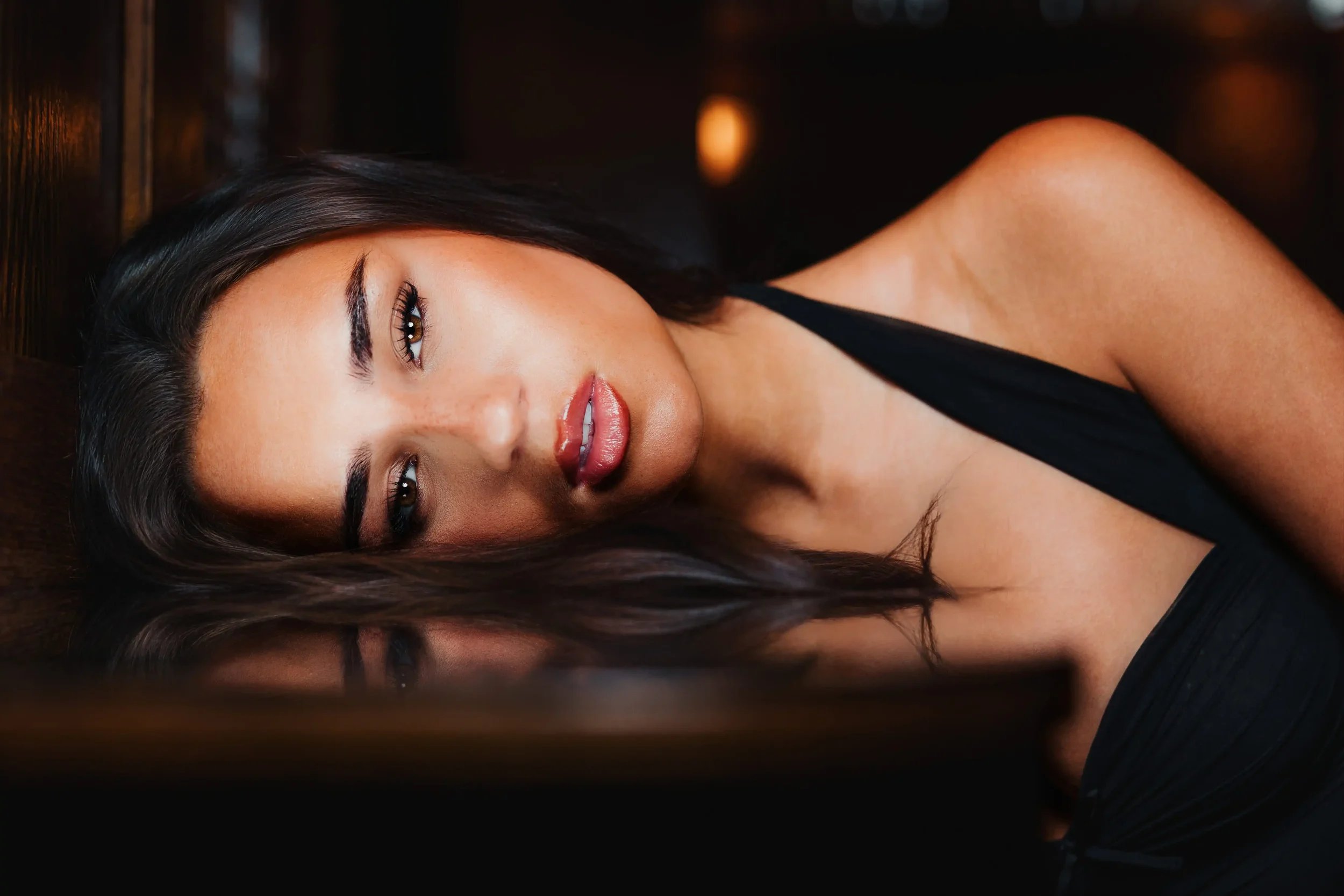
Editorial Presets
“Refined Edits with Standards”
For photographs with presence, softness, and a little bit of bite. Sharp where it matters, darker where it counts, and polished without feeling too done.
Designed to bring a more editorial mood to your edits with clean tones, richer contrast, and a finish that feels quietly confident.
Chloe’s photography style shaped into four easy-to-use Lightroom presets to help you edit faster, keep your galleries consistent, and create a polished look without starting from scratch.
Editorial Presets
“Refined Edits with Standards”
For photographs with presence, softness, and a little bit of bite. Sharp where it matters, darker where it counts, and polished without feeling too done.
Designed to bring a more editorial mood to your edits with clean tones, richer contrast, and a finish that feels quietly confident.
Chloe’s photography style shaped into four easy-to-use Lightroom presets to help you edit faster, keep your galleries consistent, and create a polished look without starting from scratch.
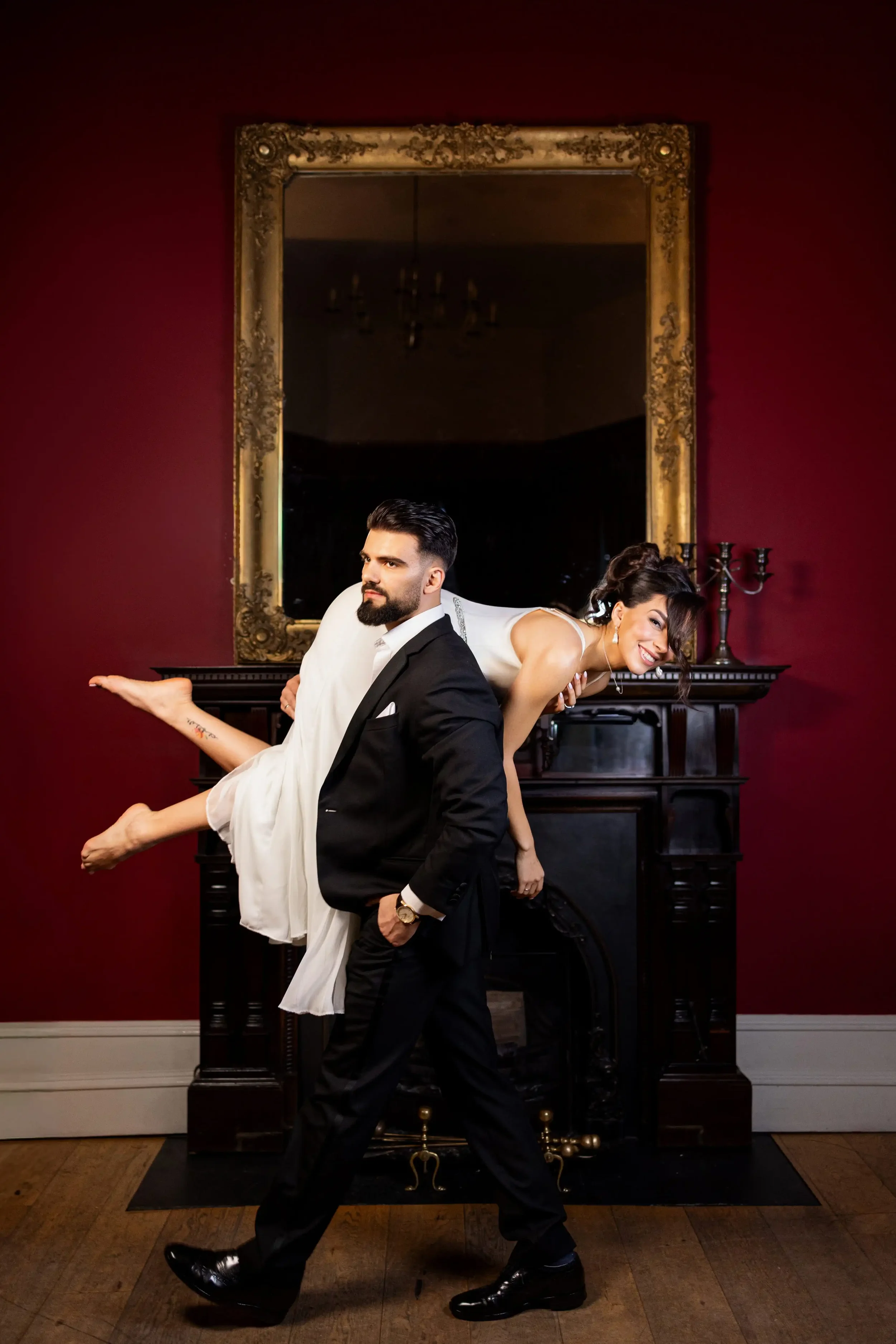
Skip the blank slate.
Your edit does not need to start from zero every time.
Not every image needs to be rebuilt from the ground up, especially when you already know the kind of mood, depth, and finish you are drawn to.
The Chloe Noble Editorial Presets give you a starting point shaped by my own editing style so you can move into the part that matters most, making the image feel right.
For weddings, portraits, content, and everyday frames. It is less about changing the photograph completely and more about giving it somewhere stronger to begin.

Six Tools in One Pack
Four presets and two masks to shape different moods, tones, and levels of depth.

Easy to Use
Apply in one click, then adjust to suit your image.

Made for Lightroom
Works with Lightroom Classic and Lightroom CC
-
Your main preset for everyday editing
-
Designed for images shot with flash
-
For a cleaner, sharper finish with a little more definition
-
A monochrome edit with Chloe’s signature feel
-
A masking tool to help recover background detail
-
A masking tool to bring more focus to your subject
-
A monochrome edit with Chloe’s signature feel
-
A masking tool to help recover background detail
-
A masking tool to bring more focus to your subject
-
Your main preset for everyday editing
-
Designed for images shot with flash
-
For a cleaner, sharper finish with a little more definition
Six core tools to give you a stronger starting point
whatever you’re editing.

AFTER

BEFORE
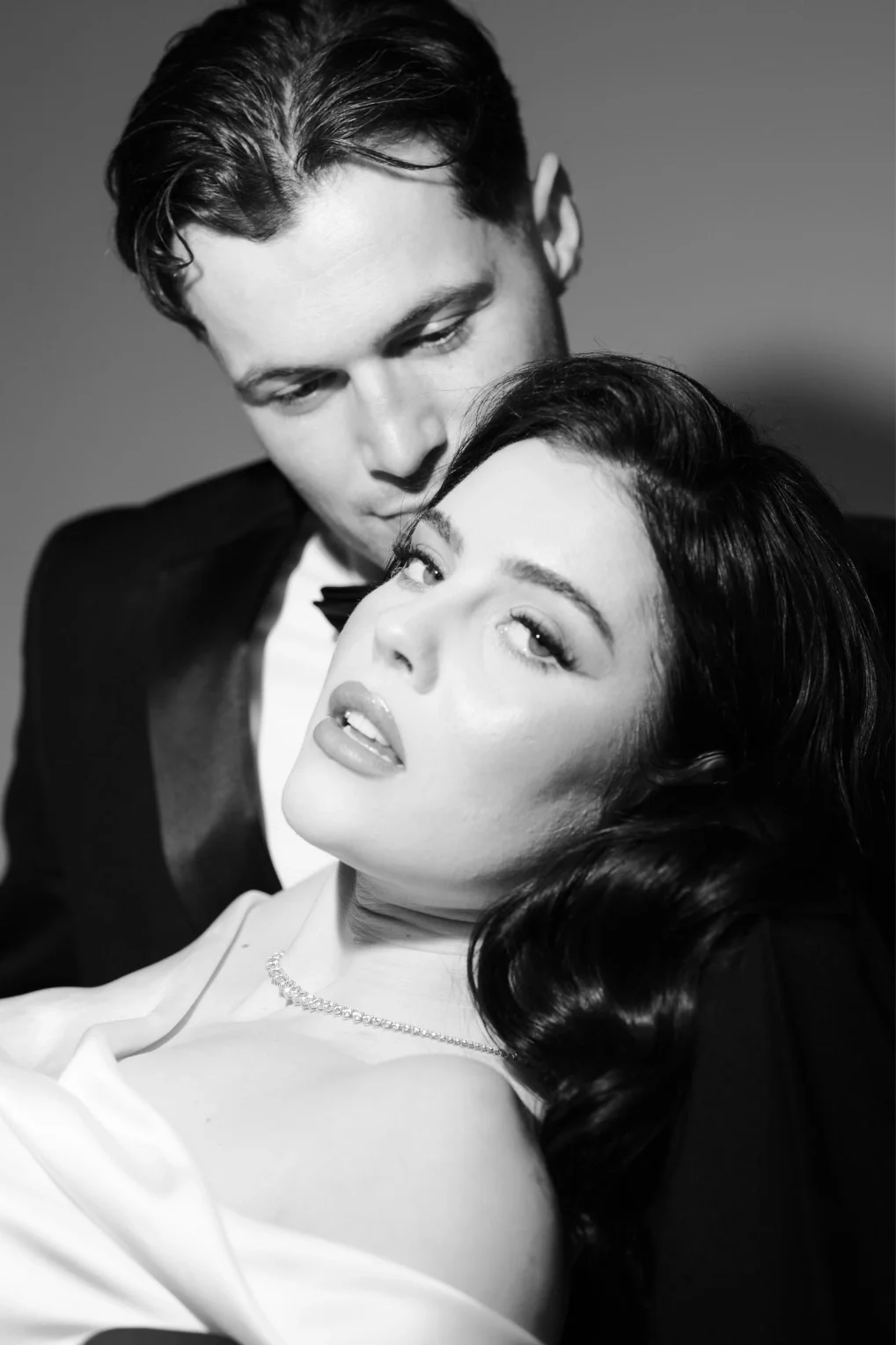
AFTER
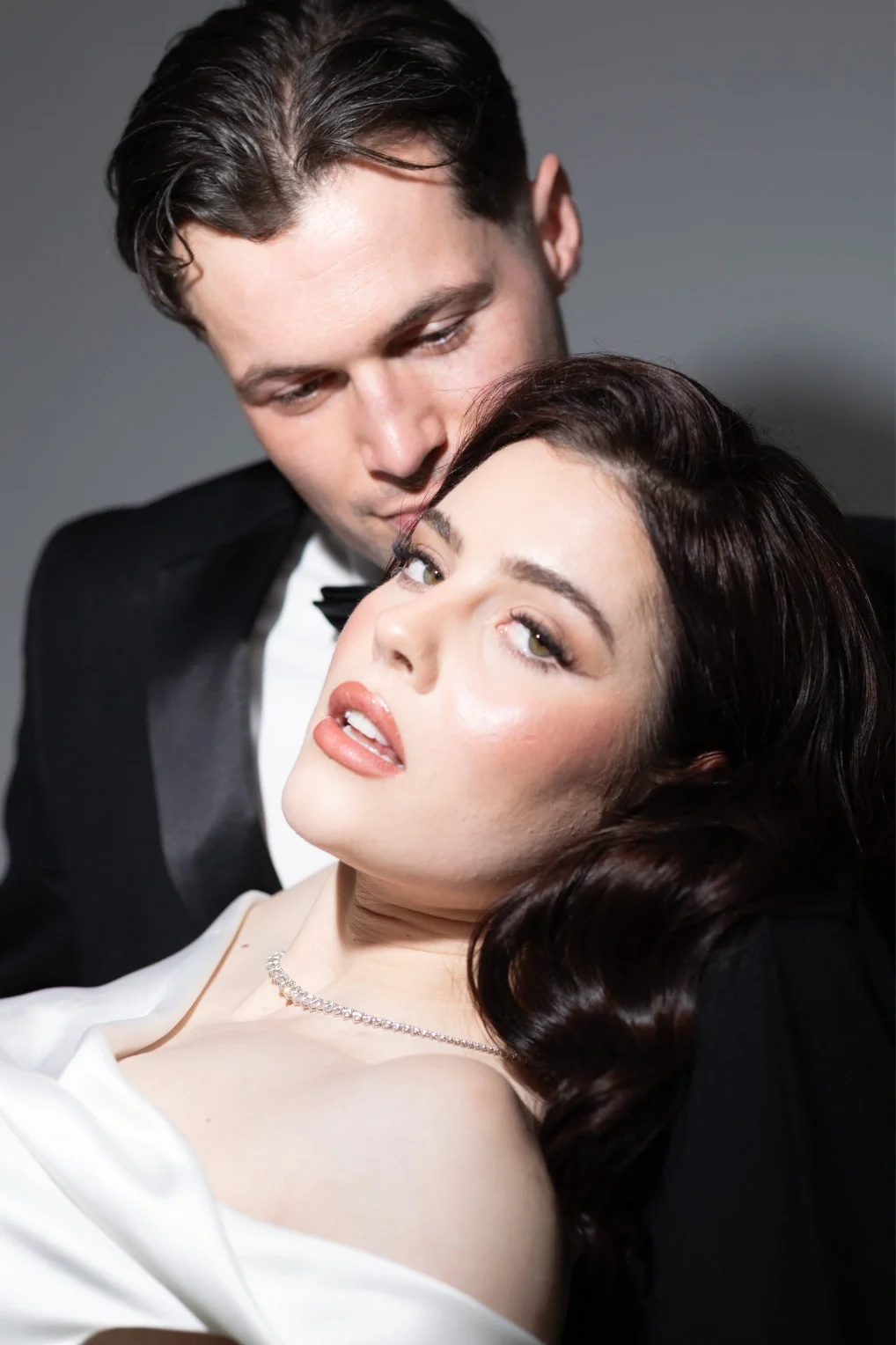
BEFORE
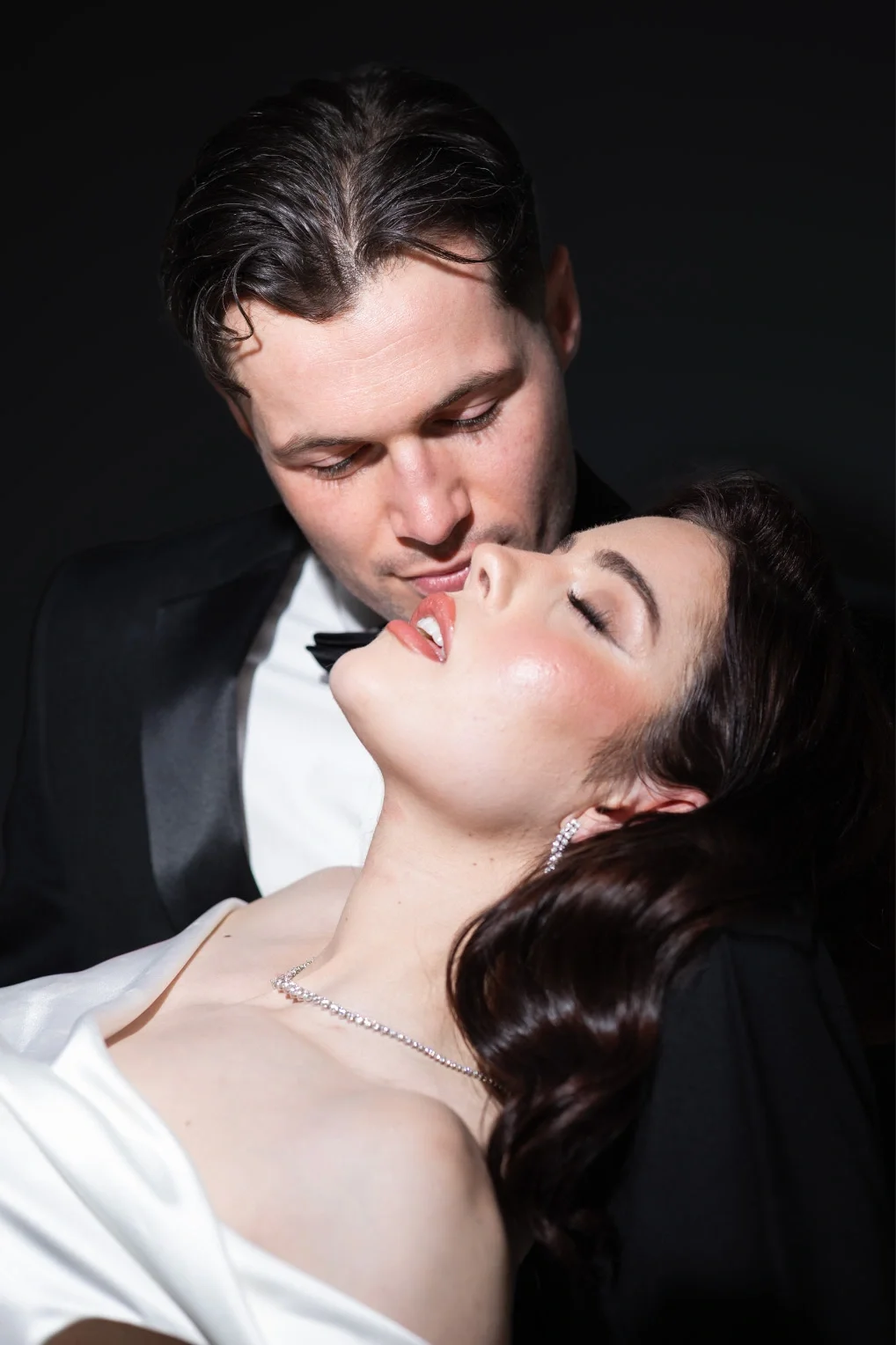
AFTER
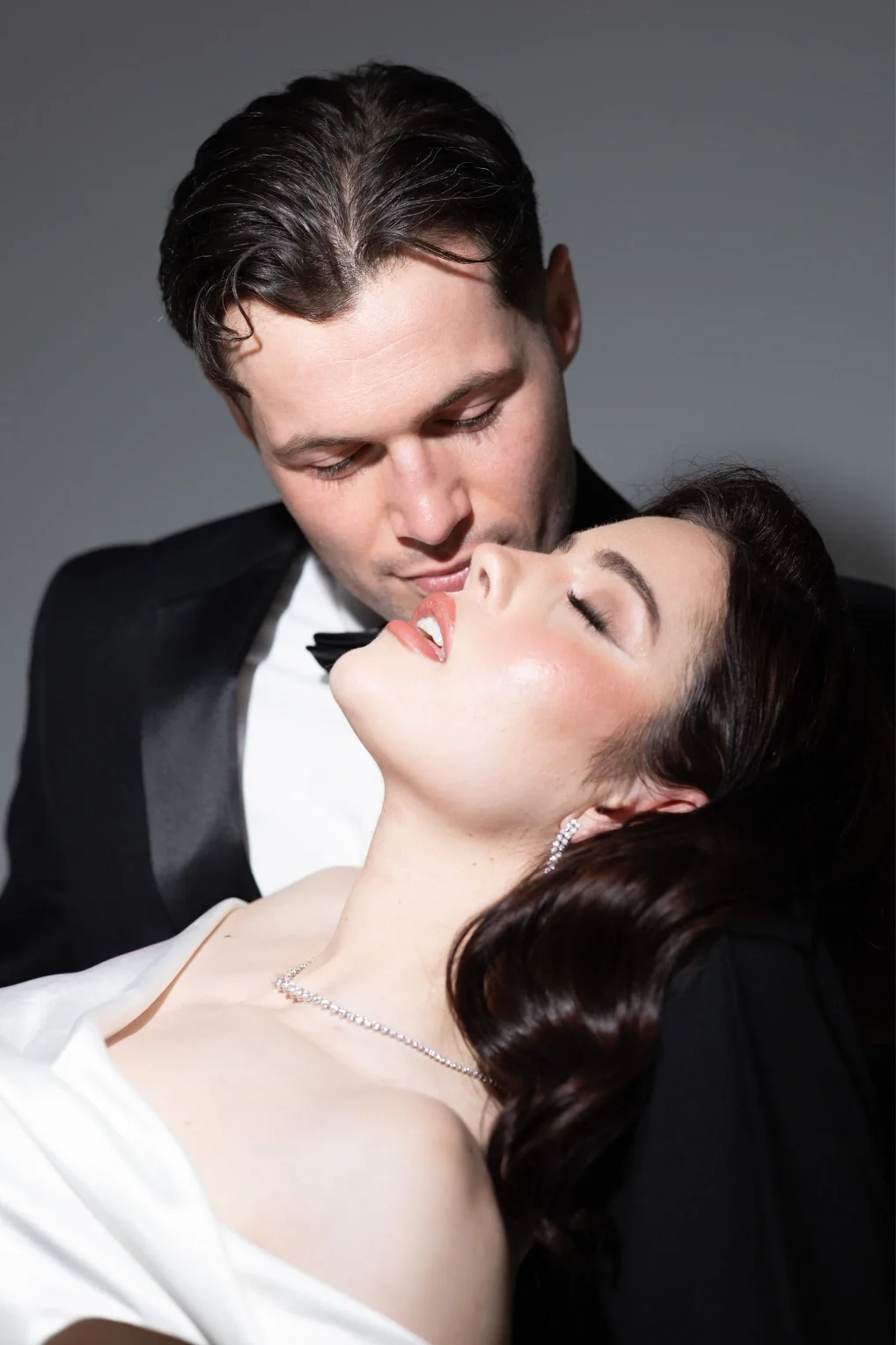
BEFORE
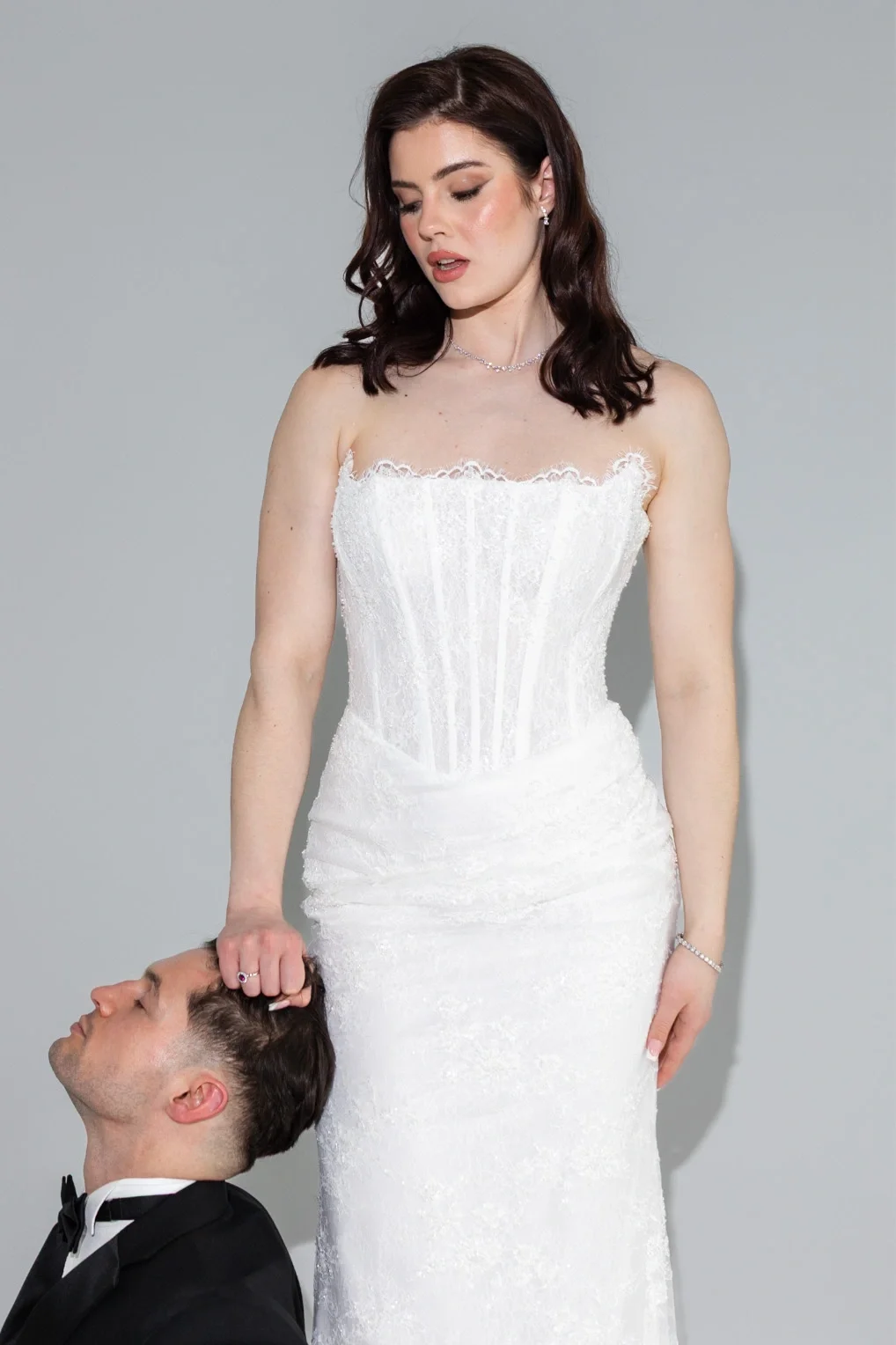
AFTER
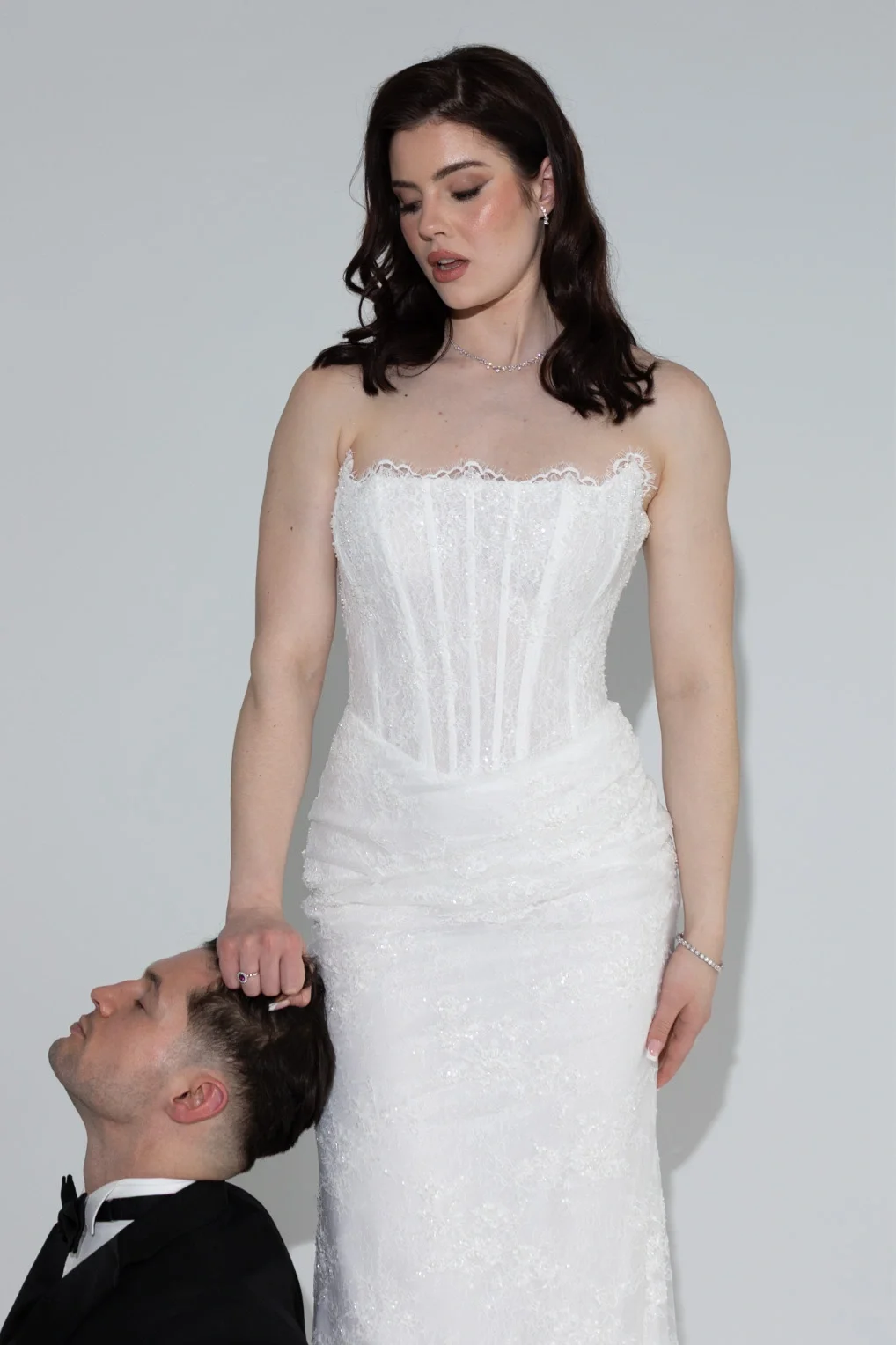
BEFORE
The difference is in the finish.
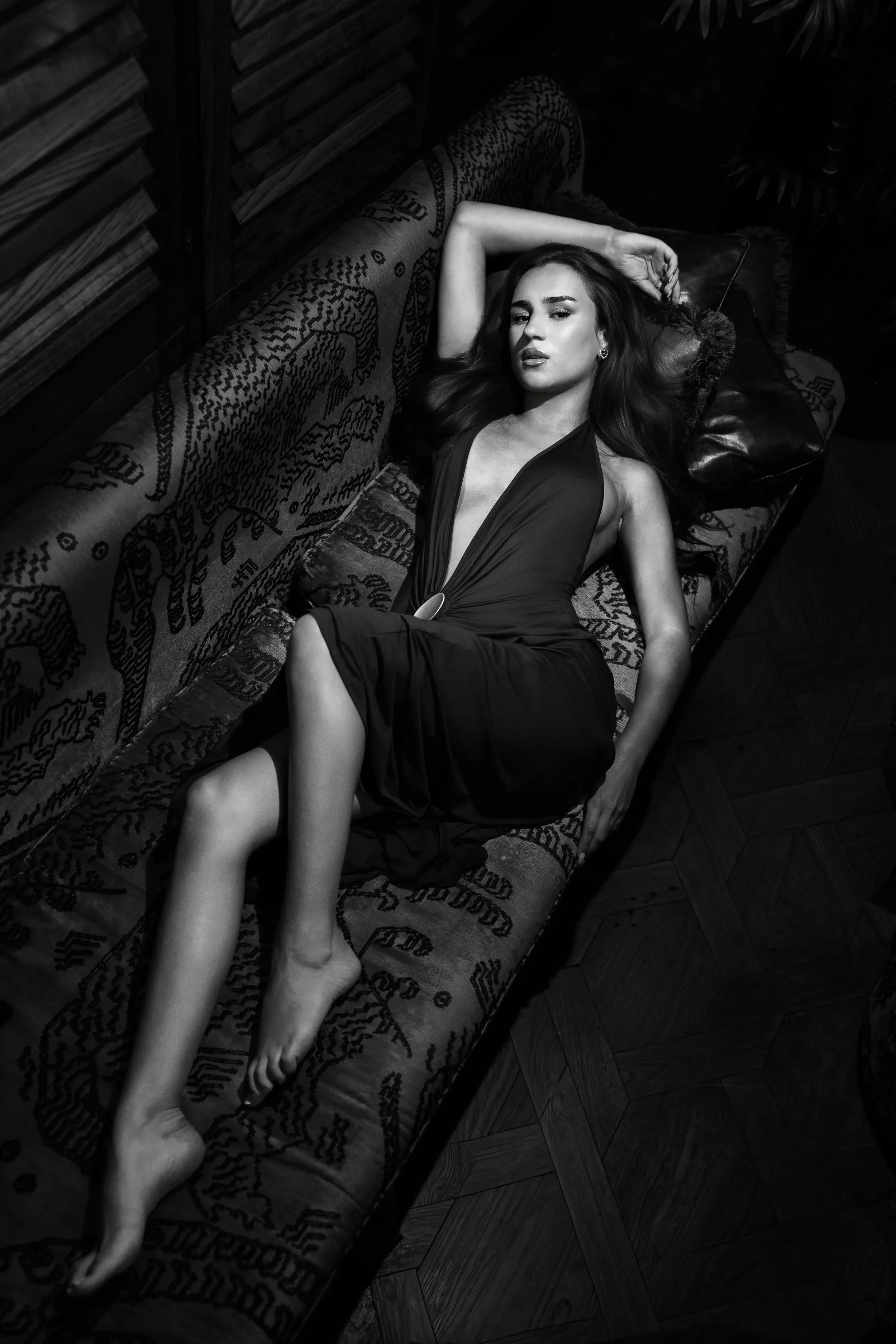
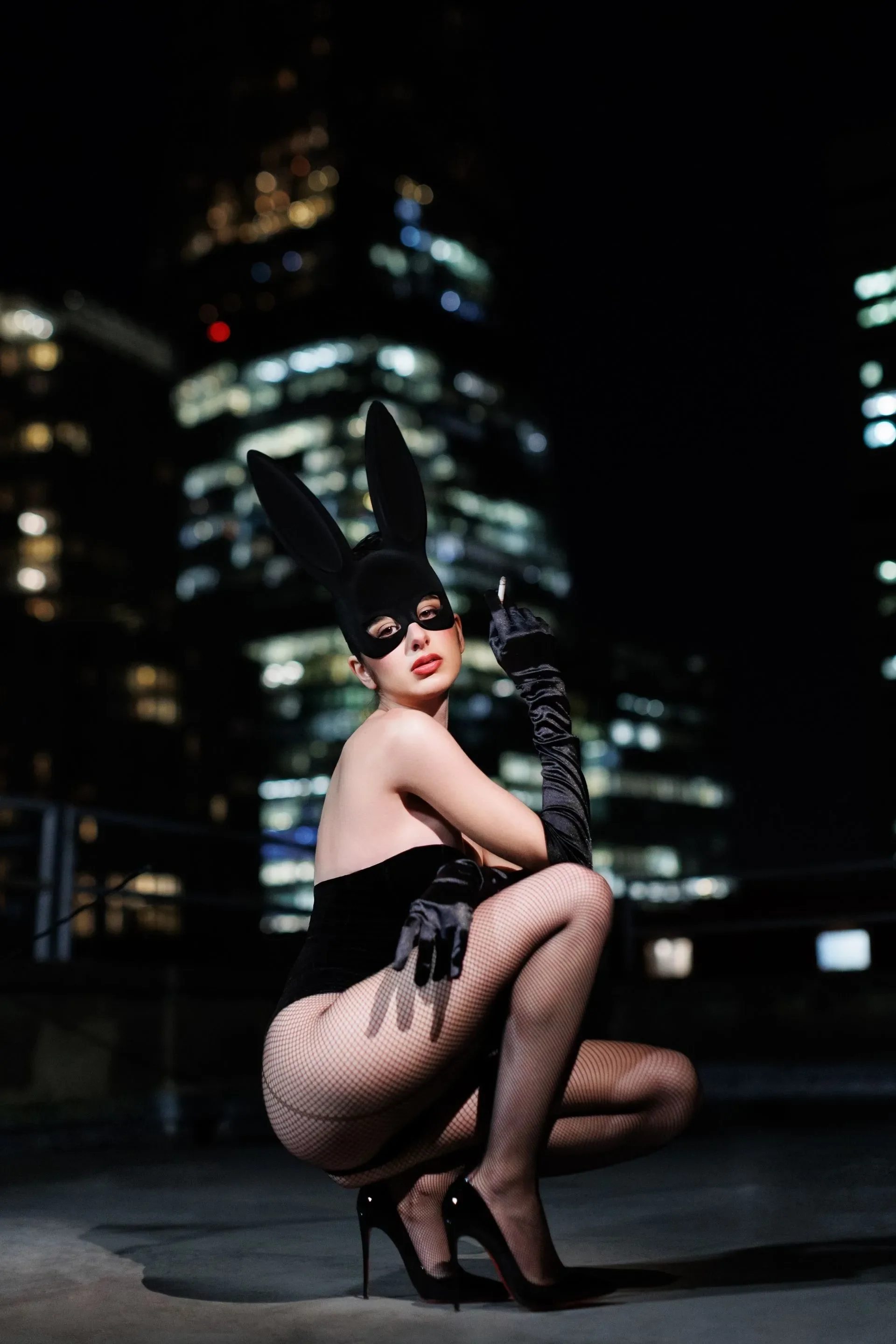

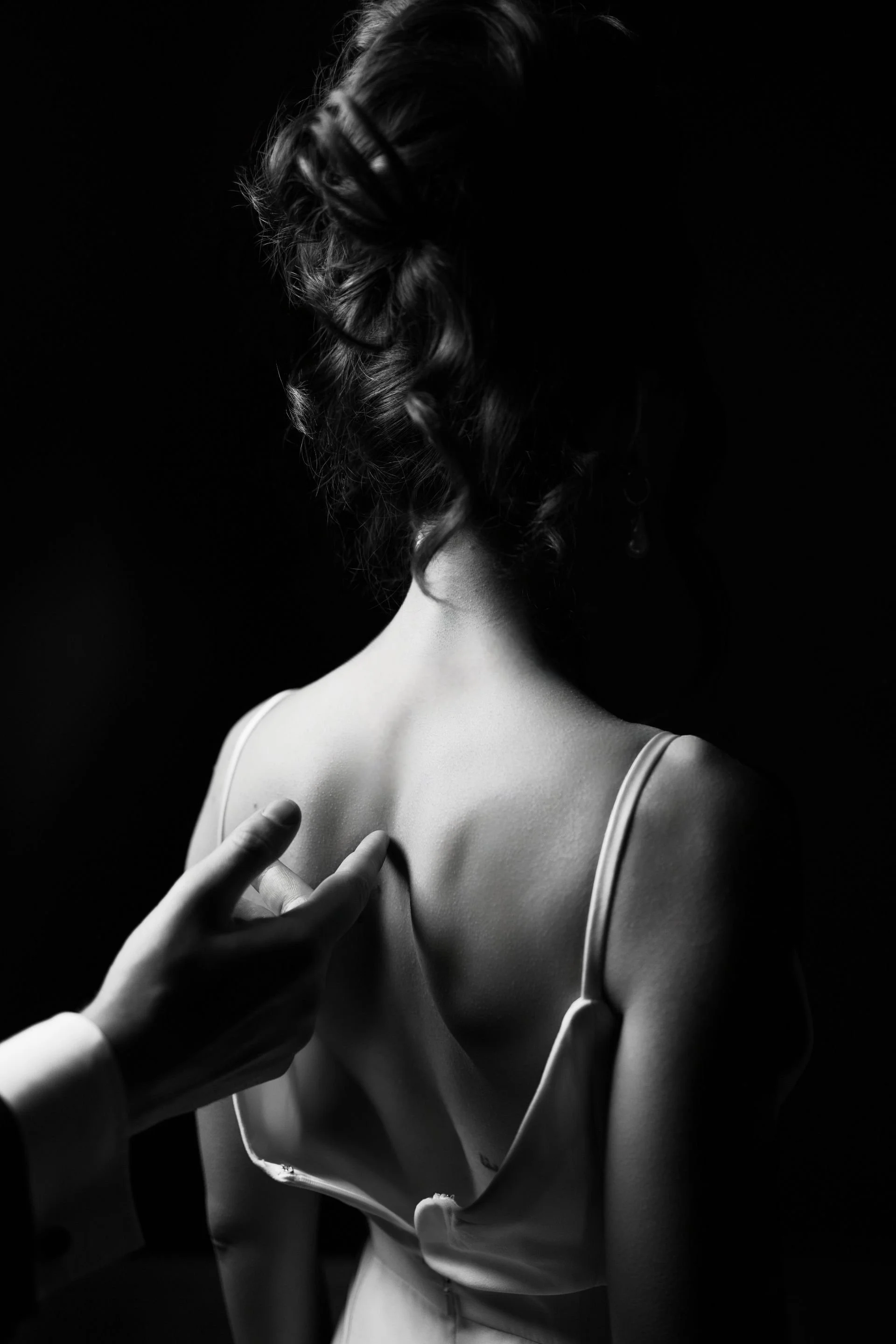


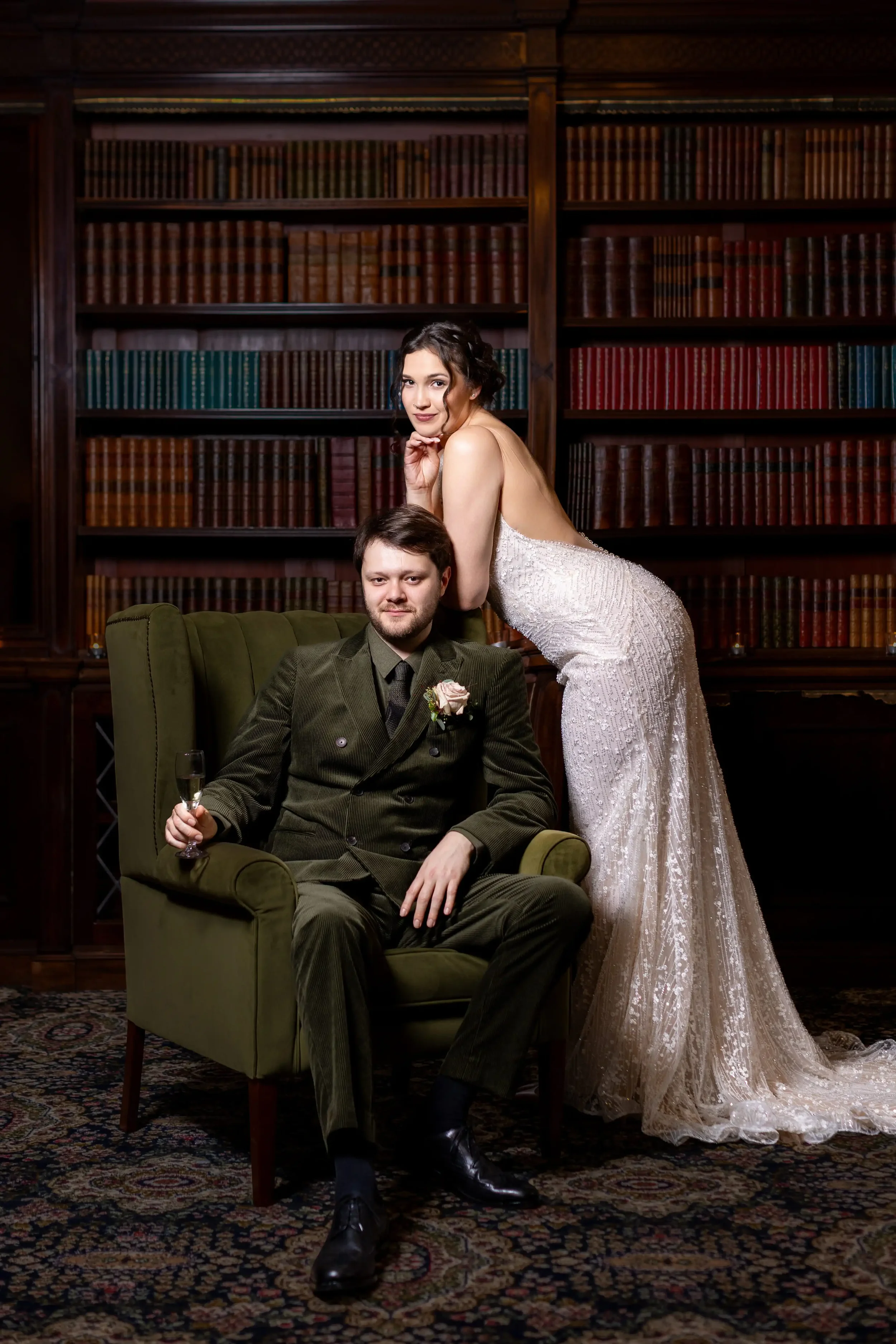
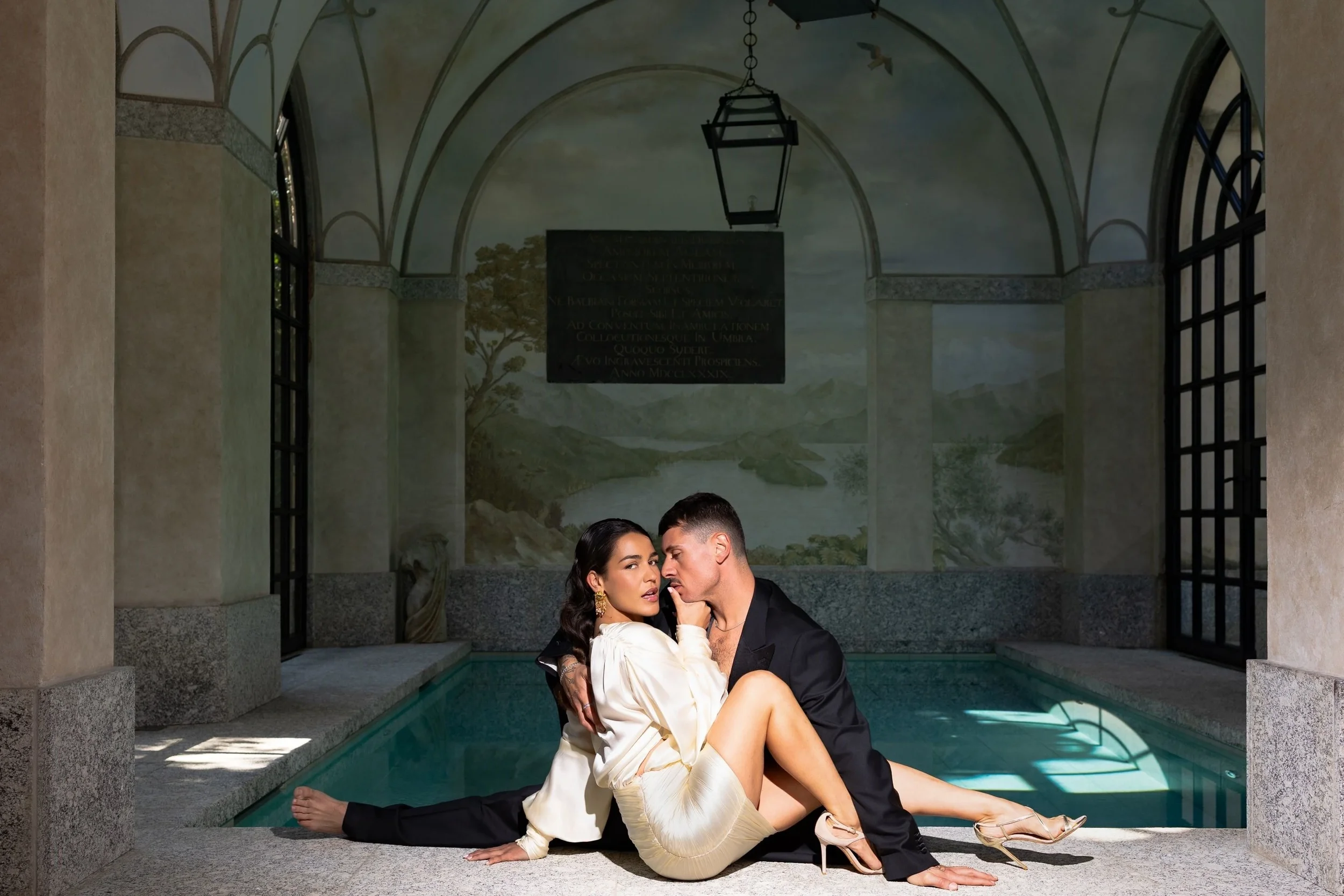

Where the Editorial Presets work best.
Wedding photography
Especially useful for keeping full galleries cohesive across changing light and different parts of the day.
Portrait photography
For portraits that want a polished editorial feel with clean tones and a stronger sense of balance.
Flash photography
Gives flash images a cleaner starting point, with more control through skin tones, contrast, and depth.
Content and everyday editing
A good fit for creators who want editing to feel quicker, cleaner, and more consistent.
Preset Launches
1st of July
Presets
Filters
No results found
No results match your search. Try removing a few filters.
Frequently Asked Questions
-
Yes. Many professional photographers use presets as a starting point to speed up their workflow and keep a gallery consistent. The final edit still comes from the adjustments made afterwards.
-
These presets are made for Adobe Lightroom Classic and Adobe Lightroom CC, version 7.3 or later. If you are using an older version, the files may not install or work correctly. So please check your software before purchasing.
-
Yes, RAW files are recommended for the best results. They give you more flexibility with exposure, colour, highlights, shadows, and white balance. JPEGs can still work, but they may need more adjustment.
-
Presets respond to each image differently. Light, exposure, white balance, camera settings, location, and colours in the frame can all affect the final result. Start by adjusting exposure and white balance first.